Reading Time: 6 minutes
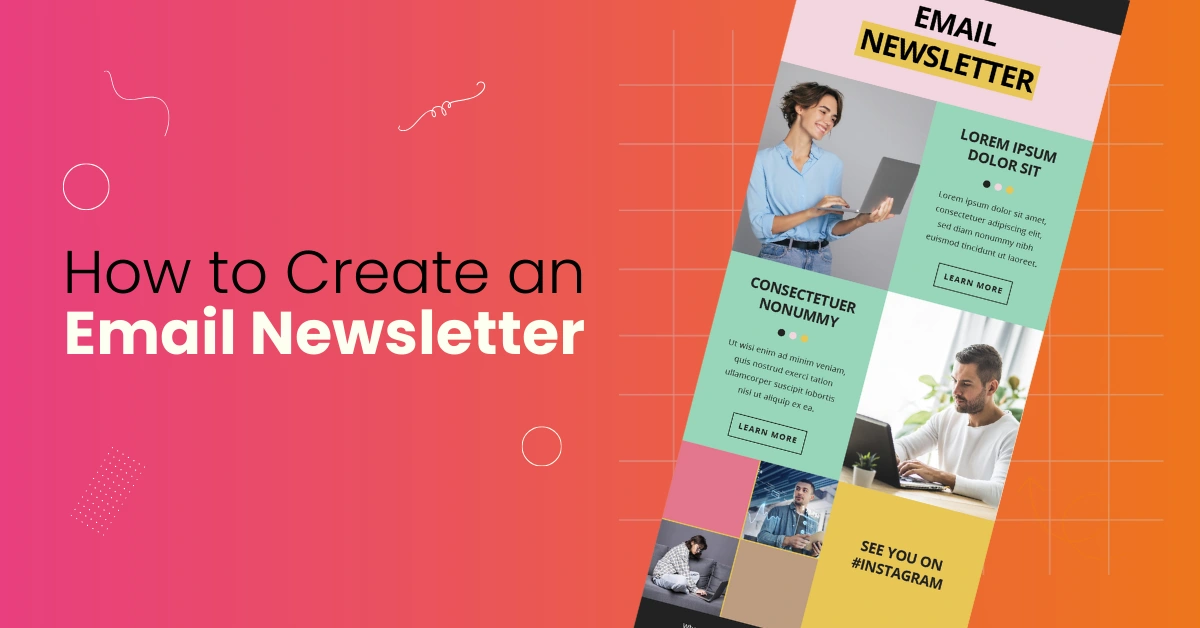
Email newsletters help brands share useful stories, updates, and offers.
They support stronger customer relationships and steady growth.
At Varun Digital, we help businesses use newsletters as a powerful marketing strategy built for long-term results.
This guide shows how to create newsletters step-by-step using simple formats, clear content, and effective email marketing tools.
Table of Contents
What Is an Email Newsletter?
An email newsletter is a structured message sent to subscribers through email. It is designed to keep your audience updated by sharing helpful and engaging content. Businesses send newsletters regularly to maintain relationships and build trust.
Most newsletters include useful information such as blog posts, new product updates, special educational content, event invitations, and promotional emails designed to drive actions like visiting a website or making purchases. Each edition keeps your brand visible and encourages long-term engagement.
Email newsletters play a vital role in digital marketing because they help convert website visitors into loyal subscribers, warm leads, and paying customers. Over time, this helps brands grow their online presence and stay connected with new and existing readers.
Why Email Newsletters Still Work
Email continues to be a direct and personal communication method. People check their inbox often, making it a great place to share meaningful messages.
Newsletters are still successful because they deliver:
- High return on investment
- Strong open and click-through engagement
- Easy setup and automation
According to HubSpot, email marketing often delivers over $36 in return for every $1 spent, proving it is one of the most cost-effective ways to connect with customers.
Because of this strong performance, companies rely on email newsletters to build brand awareness, drive website traffic, increase online store sales, and strengthen customer relationships over time.
How Email Newsletters Work
Here is the simple process behind sending newsletters:
- A visitor signs up for your newsletter on your website or landing page.
- Their email is stored inside an email service provider (ESP).
- You create and send newsletters on a regular schedule.
- Readers open the message, click through links, and take action.
With the support of email marketing software, you can track important data such as open rates, click-through rates, subscriber growth, and campaign performance. These insights help you refine your strategy and improve results over time.
How to Create an Email Newsletter (Step-by-Step)
Let’s walk through the process to build a successful newsletter campaign.
Step 1 — Understand Your Goal
Define what your newsletter should achieve before creating content.
Clear goals guide every decision.
Common goals include:
- Driving traffic to a newly published blog post
- Promoting an upcoming event or webinar
- Sharing educational content that supports readers
- Announcing new features, releases, or company updates
Knowing your goal helps you create meaningful content that encourages action.
Step 2 — Understand Your Target Audience
Before writing, think about the people reading your email.
Try to understand their:
- Needs
- Interests
- Pain points
- Buying habits
Knowing this helps you craft meaningful messaging and encourages stronger subscriber behavior. When readers feel understood, they are more likely to engage.
Step 3 — Choose an Email Marketing Platform
| Platform | Best Use |
| Mailchimp | Great for beginners |
| Brevo (Sendinblue) | Strong automation |
| Constant Contact | Ideal for a small business |
| ConvertKit | Perfect for content creators |
A good platform should offer helpful features such as a drag-and-drop editor, easy newsletter templates, strong landing pages, automation tools, and even SMS marketing options. Pick a tool that suits your needs and fits within your pricing plans.
Step 4 — Build a Subscriber List
You need subscribers before sending newsletters.
Effective ways to grow your list include:
- Landing pages that explain benefits
- Sign-up forms on your blog or website
- Promotions on social media platforms
- Website pop-ups offering value
- Free templates, checklists, or guides
Make the sign-up process simple.
Avoid buying email lists — organic growth leads to better engagement.
Step 5 — Design Your Newsletter
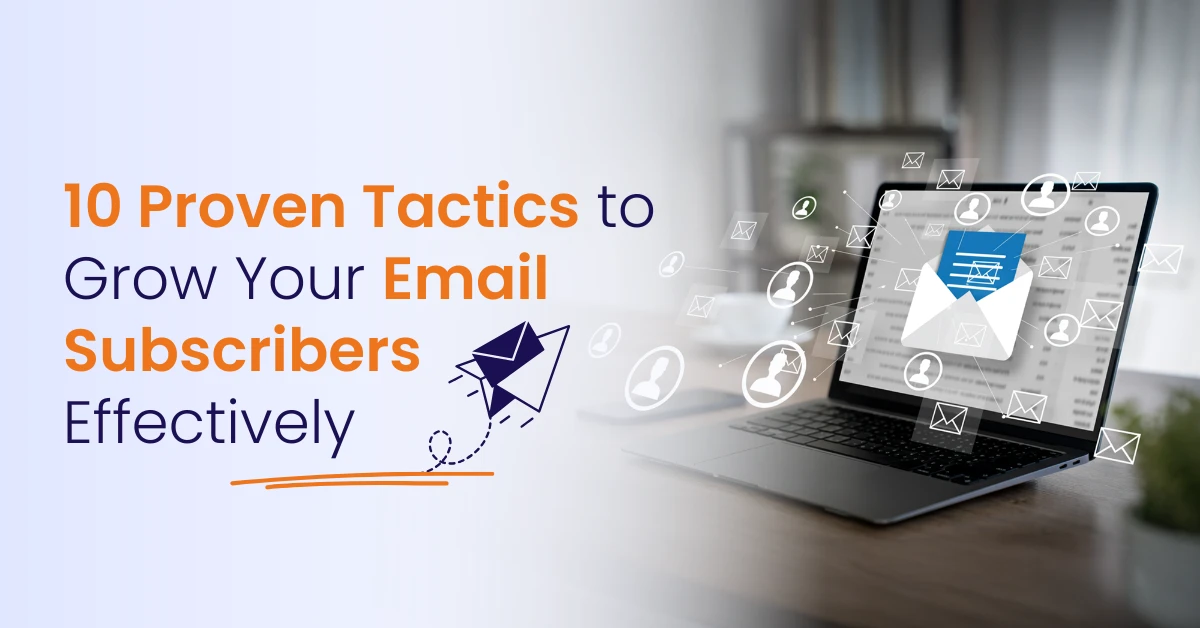
Design makes newsletters enjoyable to read.
A strong layout keeps the attention of your audience.
Good design includes:
- Consistent branding (logo + brand colors)
- A simple layout that readers can skim
- Clear headlines to guide sections
- High-quality images for visual appeal
- Organized text boxes for content
Most email marketing services provide tools like drag-and-drop editors, free templates, and HTML editors.
You can choose whichever format feels right for your brand.
Step 6 — Write Your Content
The most effective email newsletters offer helpful content that benefits the reader.
You can include:
- How-to tutorials
- New blog posts or articles
- Case studies with results
- Exclusive discounts
- Industry insights or market trends
Keep messages simple and easy to read.
Use visuals when needed to improve clarity and guide attention.
Step 7 — Create Strong Subject Lines
Subject lines decide whether users open your email.
Keep them short, focused, and exciting.
Example subject lines:
“Your weekly update is here”
“3 tips to grow your online presence”
Experiment with different versions to see what works best using A/B testing.
Step 8 — Add Calls to Action (CTA)
A strong CTA tells readers what to do next.
Examples:
- Read more
- Shop now
- Book a call
Use only one main CTA so subscribers know exactly where to go next.
This helps improve conversion tracking and boosts results.
Step 9 — Optimize for Mobile Devices
Most people read email on their mobile phones.
Make sure your newsletters display properly on smaller screens.
Helpful tips:
- Keep subject lines short
- Use large buttons
- Break text into short paragraphs
Mobile optimization has a direct impact on open and click-through rates.
Step 10 — Test and Improve
Always test your email before you send it.
Check the following:
- Images load properly
- Links work correctly
- Formatting is consistent
- Emails display well on major clients
- Mobile layout looks neat
After sending, track key metrics like open rate, click-through rate, and unsubscribes.
These insights help you understand what your audience prefers so you can plan more successful campaigns.
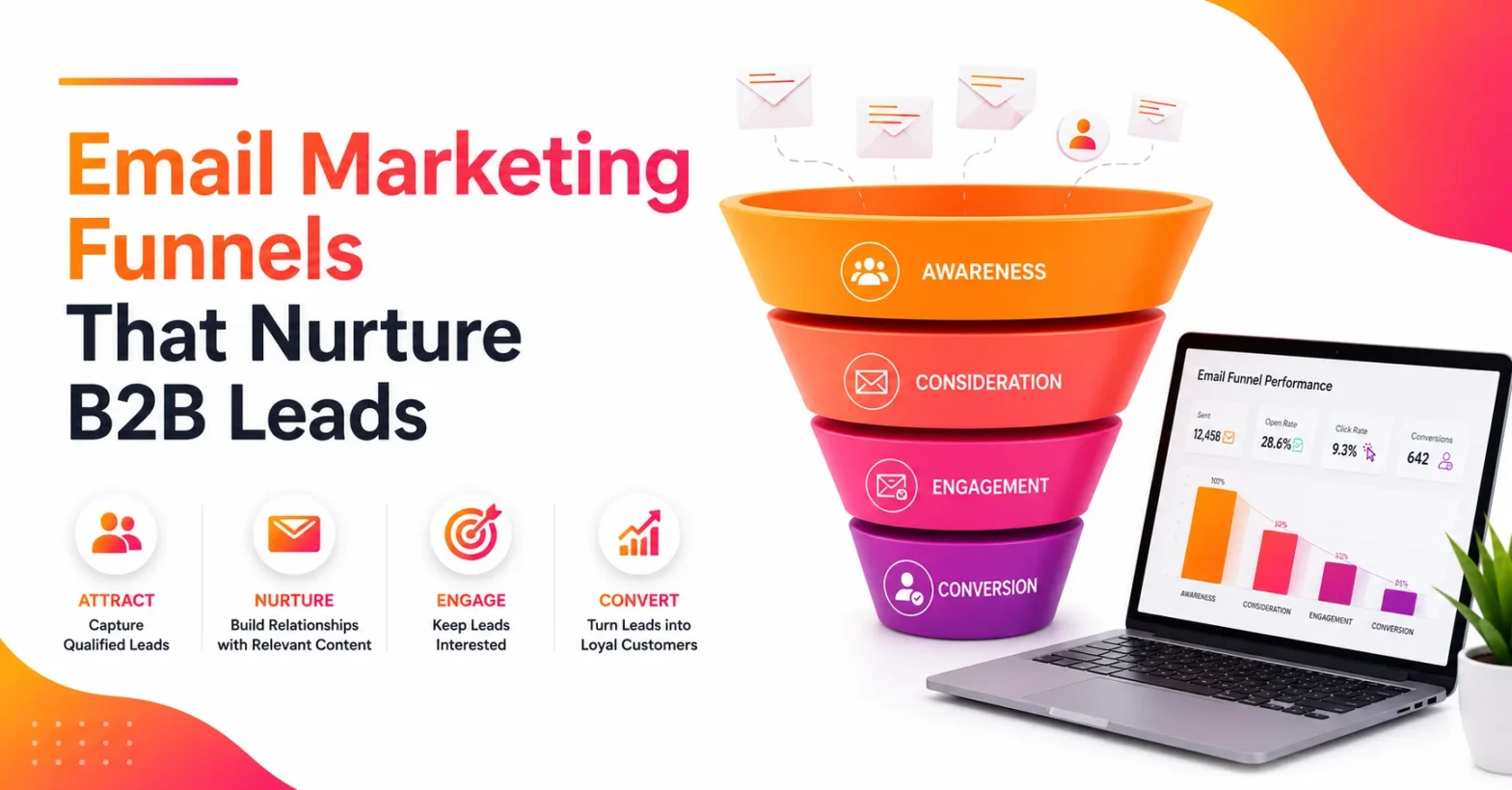
Newsletter Content Ideas
You can explore many content formats depending on your message.
For example:
- Weekly updates
- New blog posts
- Announcements or launches
- Product stories
- Behind-the-scenes content
Mix formats over time to maintain engagement.
Content Format Examples
Here are common layout types:
1. Short Card Layout
Share brief descriptions with links to articles or products.
2. Story-based Layout
Share brand experiences, lessons, or customer success stories.
3. Grid Layout
Show multiple offers, updates, or product categories at once.
You can change layouts based on your message or audience.
Best Practices
Here are simple habits that improve newsletter success:
- Be consistent with your schedule
- Keep text simple and skimmable
- Use professionally designed templates
- Track performance to find wins
- Add visuals to guide attention
- Use landing pages for long content
These practices help improve results over time.
Common Mistakes to Avoid
Avoid these issues to maintain subscriber satisfaction:
- Walls of text that feel overwhelming
- Weak or confusing subject lines
- No CTA — readers don’t know what to do
- Sending without segmentation
- Sending too frequently
Keep messages clean, focused, and helpful.
Types of Email Campaigns You Can Send
Businesses use different email types depending on goals:
- Promotional emails — Discounts and offers
- Educational content — Guides & tips
- Transactional emails — Order confirmations, shipping updates
- News updates — Company or industry news
Mixing content over time helps keep readers engaged.
Tools to Explore — Varun Digital Insight
Many platforms share similar technical features.
But real success depends on strategy, content quality, and message timing.
At Varun Digital, we help businesses build winning email newsletter campaigns by using:
- Dynamic segmentation
- Personalized messaging
- Automated workflows
Whether you use Mailchimp, Constant Contact, or ConvertKit, our strategies help you get more value from every message.
Conclusion
A strong email newsletter strategy helps brands grow.
You can share useful stories, improve subscriber behavior, and drive consistent results with simple tools and thoughtful planning.
Use clear subject lines, attractive visuals, and high-quality content.
Test often and refine your message.
At Varun Digital, we help businesses build effective newsletters that support long-term success across digital marketing channels.
Want help building better emails?
We’re here.
Turn every email into growth.
Varun Digital helps brands plan, write, and automate newsletters that connect with real people and drive steady results.
Frequently Asked Questions
1. What is an email newsletter?
An email newsletter is a message sent to subscribers that shares updates, tips, offers, or announcements. It helps businesses stay connected with customers while building trust and consistent communication.
2. How often should I send newsletters?
Most brands send emails weekly or twice a month. Send often enough to stay memorable, but not so often that subscribers feel overwhelmed.
3. What should I include in a newsletter?
Include helpful content such as blogs, updates, offers, product highlights, and links. Add visuals and keep the content simple so readers stay engaged.
4. What tools are best for email marketing?
Tools like Mailchimp, Constant Contact, Brevo, and ConvertKit make it easy to design, schedule, and track newsletters.
5. How do I grow my subscriber list?
Use website sign-ups, landing pages, social media, and lead magnets. Offer valuable content so more people join your list.
Published: December 1st, 2025