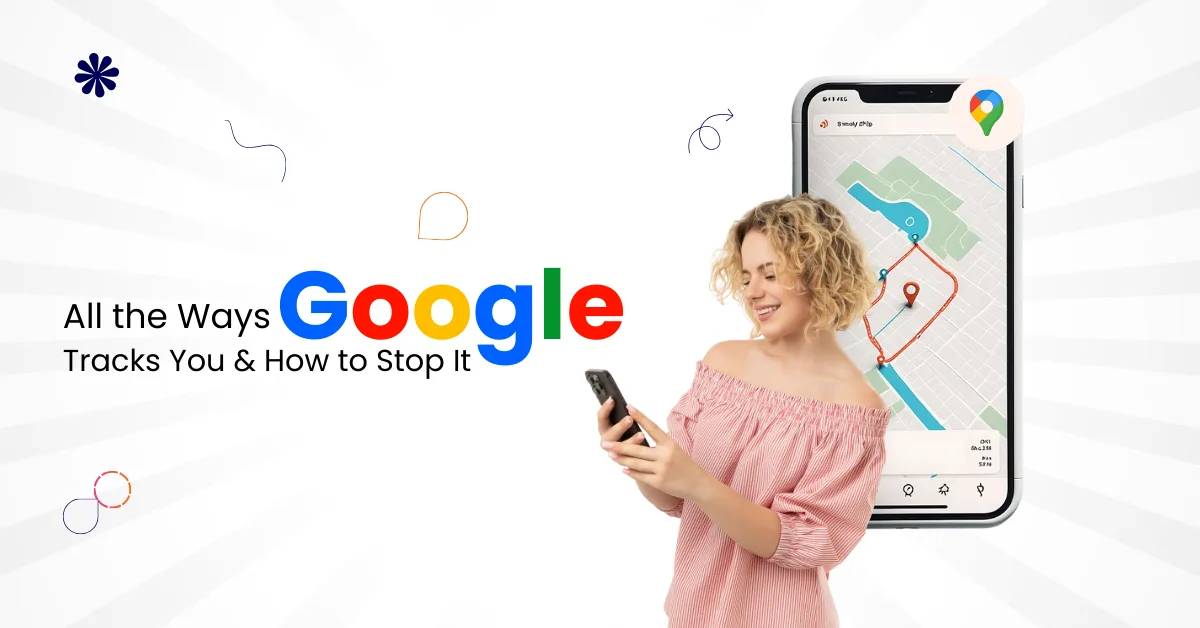
Google makes life easier. It helps people search faster, find locations, watch videos, and manage emails. But behind these helpful services, Google also collects large amounts of data. Many internet users do not realize how much information Google tracks every day.
At Varun Digital Media, we help businesses and users understand digital behavior, privacy risks, and data control. This guide explains all the ways Google tracks you and how to stop it, using simple language and clear steps. You will learn what data Google collects, why it does so, and how to regain more control.
Table of Contents
Why Google Tracks Users
Google tracks users to improve services and deliver personalized experiences. This includes better search results, faster suggestions, and targeted ads. But this also increases your digital footprint.
Google tracks activity across devices, apps, browsers, and locations. Much of this happens by default.
Google Account Tracking Basics
When you sign into a Google account, tracking becomes more detailed. Google connects activity across devices and services.
Google account tracking includes:
- Search history across Google Search and browsers
- Location data from Google Maps and Android devices
- App activity from Google-owned apps
- YouTube history and watch behavior
- Browsing history across many websites
This data stays linked to your account unless changed.
Google Search Tracking
Google Search records almost every search query.
Google Search tracks:
- Search history linked to your Google account
- Search queries typed into the search bar
- Voice searches using Google Assistant
- Clicks on search engine results
- Browser type and device type
Search data helps Google predict future searches.
Web And App Activity Tracking
Web and app activity is one of Google’s largest tracking systems.
Web and app activity tracks:
- Browsing history across many websites
- App activity from Google apps
- Interaction with Google services
- Search history and voice commands
- Data from Google Play Services
This setting is enabled by default for most users.
Location Tracking And Location History
Google tracks location using GPS, Wi-Fi, Bluetooth, and cell towers.
Location tracking includes:
- Real-time location from Android devices
- Location history stored in Google Maps
- Google Maps Timeline movement history
- Location service data from other apps
- Tap location activity from phone sensors
Even when not using Maps, location data may still be collected.
Google Maps And Timeline Tracking
Google Maps records detailed movement patterns.
Google Maps tracking includes:
- Places you visit regularly
- Routes taken during travel
- Time spent at specific locations
- Location data from background activity
- Google Maps Timeline history
This data builds long-term movement profiles.
YouTube History And Watch Tracking
YouTube tracks more than the videos you watch.
YouTube history tracking includes:
- Watch history across devices
- Search history inside YouTube
- Watch time and engagement data
- Suggested video interactions
- Ad targeting behavior
This affects recommendations and ads.
Google Assistant And Voice Data
Google Assistant listens for voice commands.
Voice tracking includes:
- Voice recordings stored in a Google account
- Spoken queries and commands
- Voice search behavior
- Smart device interactions
- Audio data from Google services
Voice data improves recognition accuracy.
Google Apps And Google Owned Apps
Google collects data across all Google-owned apps.
This includes:
- Gmail account email activity
- Google Drive file access
- Google Photos usage
- Google Calendar behavior
- Google Play Services data
These apps share data within Google’s ecosystem.
Android Device And Operating System Tracking
Android phones send system-level data.
Android tracking includes:
- Device type and operating system version
- App installs and usage behavior
- Location data from system services
- Google Play Services background activity
- Data collection from default settings
Android users face deeper tracking by default.
Google Analytics And Website Tracking
Many websites use Google Analytics.
Google Analytics tracks:
- Browsing history across many websites
- Pages visited and time spent
- Links clicked and actions taken
- Device and browser type
- Traffic sources and behavior
This connects website activity back to Google.
Ad Personalization And Ad Targeting
Google uses collected data for ads.
Ad personalization includes:
- Interests based on browsing history
- Location-based ad targeting
- YouTube ad behavior
- Search history-based ad delivery
- Personalized ads across apps
Ad targeting increases ad relevance and revenue.
Google Play Services And Other Apps
Google Play Services runs silently in the background.
It tracks:
- App activity across other apps
- Location service requests
- Device signals and diagnostics
- Usage patterns across services
- Data shared with Google systems
Many users cannot disable this easily.
How Much Data Google Collects
Google collects data continuously.
Data Google collects includes:
- Personal information from accounts
- Location data from multiple sources
- Online activity and browsing history
- App activity and device signals
- Interaction data from various services
This creates a detailed user profile.
Risks Of Excessive Google Tracking
Tracking creates privacy concerns.
Main risks include:
- Loss of personal privacy
- Large digital footprint exposure
- Increased ad targeting
- Data misuse risks
- Limited user control
Understanding tracking helps reduce risks.
How To See What Google Knows About You
Google allows limited visibility.
You can review data through:
- Google Activity controls dashboard
- Google Maps Timeline view
- YouTube watch history
- Ad personalization settings
- Google account privacy settings
This shows stored information clearly.
How To Stop Google Tracking You
You cannot stop tracking fully. But you can reduce it.
Turn Off Web And App Activity
This reduces browsing and app tracking.
Steps include:
- Open Google account settings
- Go to Activity controls
- Pause web and app activity
- Disable voice recording storage
- Save changes
This limits future data collection.
Disable Location History
Stopping location tracking reduces movement data.
Steps include:
- Open Google Maps settings
- Turn off location history
- Pause Google Maps Timeline
- Disable location service permissions
- Review saved locations
This prevents future location storage.
Manage YouTube History
YouTube tracking can be controlled.
Steps include:
- Pause watch history
- Pause search history
- Delete previous YouTube history
- Adjust recommendation settings
- Limit ad personalization
This reduces video-based profiling.
Use Auto Delete Activity
Auto delete removes old data.
Auto delete settings allow:
- Deleting activity every three months
- Deleting activity every eighteen months
- Automatic removal of old data
- Reduced long-term data storage
- More control over history
This helps manage a digital footprint.
Adjust Ad Personalization Settings
Ad personalization can be limited.
You can:
- Turn off ad personalization
- Remove interest categories
- Disable location-based ads
- Limit personalized experiences
- Reduce targeted advertising
Ads still appear, but less targeted.
Use Privacy Focused Alternatives
Alternatives reduce Google dependency.
Privacy-focused options include:
- DuckDuckGo for search
- Brave browser for browsing
- ProtonMail instead of Gmail
- OpenStreetMap instead of Google Maps
- Privacy-focused Android alternatives
These reduce Google tracking exposure.
Use Incognito Mode Carefully
Incognito mode has limits.
It helps by:
- Not saving browsing history locally
- Reducing account-based tracking
- Avoiding saved cookies
- Limiting device history storage
- Preventing shared device history
Google can still track activity online.
Review App Permissions Regularly
App permissions control data access.
You should:
- Review location permissions
- Restrict microphone access
- Limit background app activity
- Remove unused apps
- Check default settings
This reduces data leakage.
How Businesses Should Handle Google Tracking
Businesses must respect user privacy.
Best practices include:
- Clear privacy policies
- Ethical data collection
- Transparent analytics usage
- Compliance with data regulations
- User consent management
Privacy builds trust.
How Varun Digital Media Approaches Privacy
At Varun Digital Media, we follow a privacy-first approach to digital marketing. We believe businesses can grow online without over-collecting user data. Privacy and performance do not need to work against each other.
We help businesses understand how Google tools collect and use data. We then design strategies that respect user privacy while still delivering results. This includes using analytics responsibly, setting clear consent rules, and avoiding unnecessary tracking.
Our team focuses on ethical data practices. We guide businesses on using Google services, ads, and analytics in a transparent way. This helps protect user trust and reduces privacy risks.
By balancing insights with responsibility, Varun Digital Media helps brands grow while staying aligned with modern privacy expectations and regulations.
Conclusion
Google tracking is widespread and often invisible. It spans search, location, apps, and devices. While Google services offer convenience, users deserve control.
By understanding all the ways Google tracks you and how to stop it, you can reduce data collection and protect your privacy.
At Varun Digital Media, we believe informed users and ethical businesses create a safer digital future.
Take Control Of Your Digital Privacy
Regain Control Over Your Online Data. Understand how Google tracks you and take simple steps to reduce data collection and protect your personal privacy today.
Frequently Asked Questions
1. All the ways Google tracks you and how to stop it
Google tracks users through search history, location history, web and app activity, Google Maps, YouTube history, and Android services. You can reduce tracking by pausing activity settings, disabling location history, managing ad personalization, and using privacy-focused alternatives.
2. Does Google track users even without a Google account
Yes. Google can still track users through browser cookies, IP addresses, device type, and Google Analytics on many websites. Signing out reduces account-level tracking, but general data collection may still occur during browsing and app usage.
3. Can Android users stop Google tracking completely
Android users cannot fully stop Google tracking, but they can limit it. Disabling location services, managing app permissions, pausing activity history, and using privacy-focused apps help reduce tracking significantly.
4. Is Incognito mode enough to stop Google tracking
No. Incognito mode only prevents local history storage. Google and websites can still track activity through IP addresses, cookies, and online analytics tools. It provides limited privacy protection.
5. How does Varun Digital Media help with privacy awareness
Varun Digital Media helps businesses and users understand data collection, privacy risks, and ethical digital practices. We guide brands in balancing analytics, performance, and user trust through responsible digital marketing strategies.
Published: December 26th, 2025