
Reading Time: 6 minutes
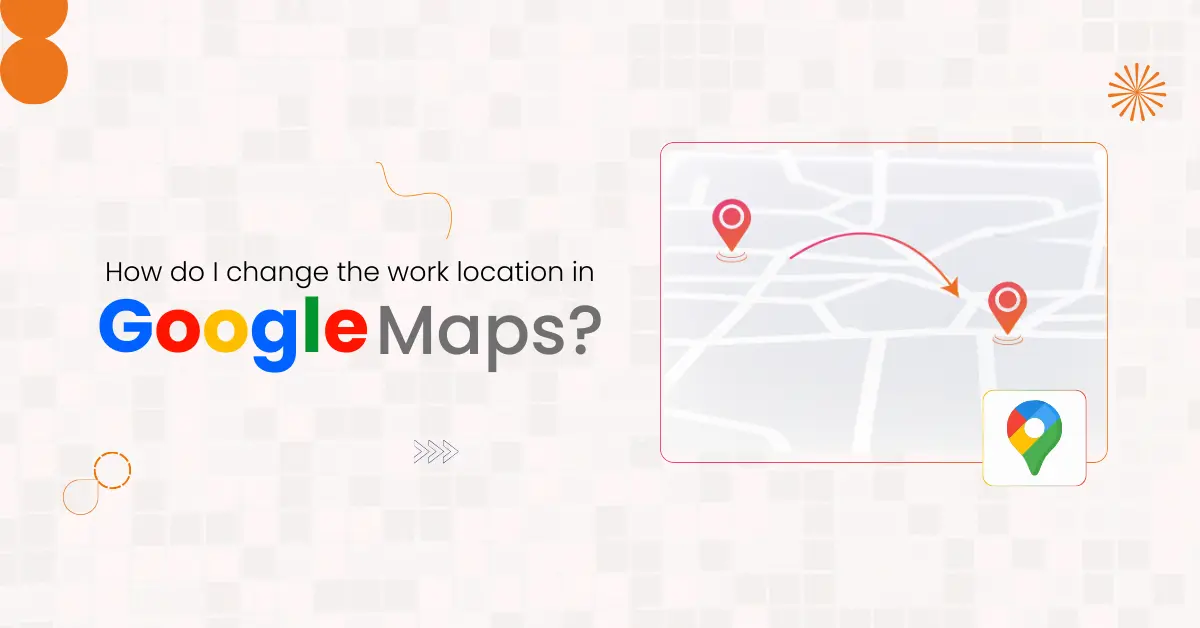
Accurate work locations help businesses run smoothly every day. Employees rely on Google Maps to navigate to offices, client sites, and meetings on time. When the work address is correct, teams arrive prepared, focused, and ready to work.
Business locations change more often than people expect. Offices move to new buildings. New branches open in different areas. Temporary sites sometimes become permanent workplaces. Each change must be updated in the Google Maps location settings to avoid confusion across teams.
Google Maps supports daily business travel in many ways. Employees use the Google Maps app on their phone, Android device, or iPhone to commute. Clients rely on directions from a website or email. Vendors depend on accurate locations for deliveries and service visits. A wrong work location affects everyone involved.
At Varun Digital Media, we help businesses manage digital accuracy across platforms. Knowing how to change the work location in Google Maps helps teams navigate correctly, save time, and maintain professional operations every day.
Table of Contents
Why Businesses Must Keep Work Locations Updated
Work locations guide employees throughout the workweek. Teams travel between offices, warehouses, and client sites. When directions are wrong, delays become common and productivity drops.
Clients often judge a business during their first visit. Trouble finding an office creates stress before a meeting even starts. This can affect trust, confidence, and long-term relationships.
Updated home and work locations help teams arrive on time. Meetings start as planned. Operations stay predictable. This simple update improves coordination without adding cost or tools.
What a Work Location Means in Google Maps
A work location is a saved address inside Google Maps. It shows where an employee usually works and supports daily navigation. This information is stored inside the user’s Google account.
Google Maps uses this data to suggest better routes. It shows traffic updates, arrival times, and real-time location alerts. These features help employees plan travel more effectively.
Work locations are private. They are not public posts or listings. They exist only to help users navigate their daily work life.
Work Location Versus Public Business Address
A work location helps employees navigate internally. A public business address helps customers find a business online through search, maps, or a website.
Changing a work location does not update public listings. Public addresses must be managed separately using Google Business Profile.
Keeping both addresses accurate avoids confusion. Consistency helps employees, visitors, and partners reach the correct location easily.
How Google Maps Uses Work Location Data
Google Maps uses saved work locations to improve daily routing. It analyzes traffic patterns, peak hours, and travel history. This helps users avoid delays and choose better routes.
The system also supports reminders and arrival alerts. These features reduce late arrivals and missed meetings. Businesses benefit from smoother daily schedules.
Accurate GPS location data allows Maps to work properly. Incorrect locations weaken these benefits and create daily friction.
When Businesses Should Change Work Locations
Businesses should update work locations as soon as an office moves. Delays cause repeated navigation errors and wasted time.
New branches should be shared before teams arrive on day one. Temporary project sites should be reviewed often and removed when work ends.
Early updates prevent daily confusion. Clear directions support smooth operations and better team coordination.
How to Change Work Location Using the Google Maps App
Most employees use mobile devices for navigation. The Google Maps app allows quick updates from anywhere.
To begin, users open Google Maps on an Android phone or iPhone. They tap the profile picture at the top of the screen, then click Saved. From there, they select Labeled and choose Work.
Users then tap Work, choose edit home or work, and enter the correct work address using the search bar. After confirming the pin, they tap Save. The updated location syncs automatically across devices.
These simple steps take only a few minutes and require no technical support.
How to Change Work Location Using Desktop or Web
Desktop access works well for managers and office teams. It allows careful address review and clear pin placement.
Users open Google Maps in a web browser on a computer. After signing in, they open the menu, click Saved, and select Labeled. Choosing Work allows them to edit and update the address.
Once saved, changes appear instantly on mobile devices. This method works well for planned office moves.
Managing Work Locations Across Business Teams
Each employee manages their own Google account. One update does not apply automatically to everyone.
Businesses should share the official work address clearly. Written steps help teams update locations correctly on every device.
Human resources teams can include this step during onboarding. This helps new employees avoid confusion from day one.
Using Google Workspace for Business Consistency
Google Workspace helps companies manage accounts centrally. Employees use company profiles instead of personal ones.
This reduces errors caused by mixed accounts. Teams follow the same process across departments.
Location accuracy improves when accounts are managed in one system.
Role of Leadership in Location Accuracy
Leadership plays an important role in keeping work locations accurate. Managers set expectations and explain why correct locations matter.
Clear communication helps employees understand when and how to change work location settings. When instructions are easy, teams act faster.
During office moves, leaders can assign responsibility for updates. This avoids missed steps and repeated errors.
Benefits of Accurate Work Locations for Productivity
Accurate locations reduce daily travel delays. Employees arrive calm and focused instead of stressed.
Meetings begin on time. Site visits run smoothly. Teams spend less time fixing directions.
Productivity improves without adding new systems or tools.
Impact on Client, Vendor, and Partner Visits
Clients rely on navigation tools for meetings. Incorrect directions create frustration and poor impressions.
Vendors depend on accurate locations for deliveries. Wrong addresses disrupt schedules and operations.
Clear navigation supports strong professional relationships.
Supporting Hybrid and Remote Business Teams
Hybrid teams visit offices on specific days. Accurate locations prevent confusion during travel.
Remote teams attending meetings benefit from saved addresses. They can plan routes confidently.
Google Maps supports flexible work styles across devices and locations.
Managing Multiple Office Locations
Many businesses operate across several offices or sites. Employees often travel between locations.
Google Maps allows users to add, choose, and switch between labeled places easily.
This supports regional teams and growing businesses.
Common Business Errors to Avoid
Some businesses forget to update their locations after moving. Old addresses remain saved.
Others keep temporary sites listed permanently. Incorrect map pins also cause errors.
Regular reviews help prevent these problems.
Best Practices for Location Accuracy
Treat location data as important business information. Update addresses immediately.
Always check the map pin before saving changes. Share updates clearly.
Review saved locations every few months.
How Accurate Locations Support Brand Trust
Accurate locations show professionalism and attention to detail. Clients feel confident when directions work.
Clear navigation improves first impressions. Trust grows through reliability.
Strong operations start with accurate information.
Role of Location Accuracy in Business Growth
Growing businesses open new offices often. Location updates must keep pace.
Accurate maps support onboarding and expansion. New hires adapt faster.
Clear navigation reduces friction during growth.
How Varun Digital Media Helps Businesses Stay Accurate
Varun Digital Media helps businesses manage digital accuracy across platforms. We support location updates and operational clarity.
Our approach reduces confusion for employees, clients, and partners. Businesses operate with confidence.
Accurate digital information supports long-term success.
Conclusion
Accurate work locations in Google Maps are essential for modern businesses. They help employees navigate correctly and reduce daily delays.
Businesses that update locations regularly appear professional and reliable. Employees arrive prepared, clients follow clear directions, and vendors reach the correct address.
At Varun Digital Media, we help businesses manage digital information with clarity. Updating work locations in Google Maps strengthens coordination, builds trust, and supports long-term business growth.
Keep Business Work Locations Accurate and Reliable
Clear work locations help teams navigate easily and avoid daily confusion. Update your Google Maps work location to improve directions, coordination, and efficiency.
Frequently Asked Questions About Business Work Locations
1. How do businesses change work locations in Google Maps?
Businesses open Google Maps, tap the profile picture, click Saved, select Labeled, and choose Work. Employees edit the address and tap Save. The updated directions appear automatically on phones, tablets, and computers.
2. Should employees update work locations individually?
Yes. Each employee manages their own Google account and saved work location. Businesses should share the correct address and clear steps, so teams update home and work locations correctly on Android, iPhone, and web devices.
3. Does changing a work location affect public business listings?
No. Changing a work location only updates private navigation inside Google Maps. Public business addresses shown in search results or on websites must be updated separately using Google Business Profile.
4. Why is work location accuracy important for businesses?
Accurate work locations reduce delays and support real-time navigation. Employees arrive on time, clients find offices easily, and vendors complete deliveries smoothly. This improves productivity, trust, and daily business coordination.
5. Can businesses manage multiple work locations easily?
Yes. Google Maps allows users to add and save multiple labeled places. Employees can switch between offices, warehouses, or sites easily, which supports growing businesses with flexible work environments.
Published: January 12th, 2026